You can get URL for IPTV from a real IPTV provider account. After you subscribe, the provider gives you a personal link called an M3U playlist, plus a TV guide link (EPG). These links are connected to your username, your device, and an expiration date. You usually find them in your account dashboard, along with […]
Setup Guides
Get started quickly with our easy-to-follow setup guides. Learn how to install and configure streaming apps, devices, and playlists for a smooth experience.
How to Install IPTV on Kodi ?
To install IPTV on Kodi you need to install Kodi from the official website on your device, enable installations from unknown sources in Kodi settings, install the PVR IPTV Simple Client add-on, configure the add-on with your M3U URL or Xtream Codes credentials, enable the add-on and reload Kodi to load your channel list, then […]
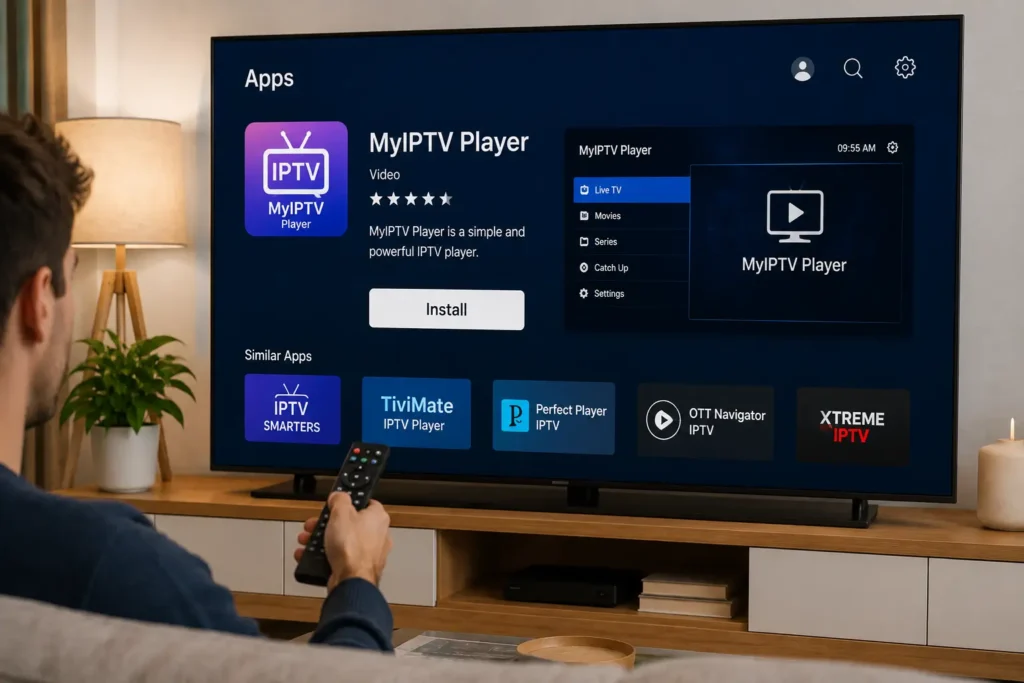
How to Install IPTV With MyIPTV Player ?
Setting up IPTV using MyIPTV Player on Windows comes down to 6 steps, install MyIPTV Player from the Microsoft Store, launch the app and grant the necessary permissions, navigate to the playlist section to add a new source, paste your M3U URL or upload the playlist file from your IPTV provider, sync the EPG to […]
How to Change URL on IPTV Box ?
Changing the URL on your IPTV box takes 6 steps: power on the device and open your IPTV app, navigate to the playlist or settings menu, locate the existing M3U or Xtream Codes URL, delete or replace it with the new URL provided by your IPTV service, save the changes and refresh the playlist, then […]
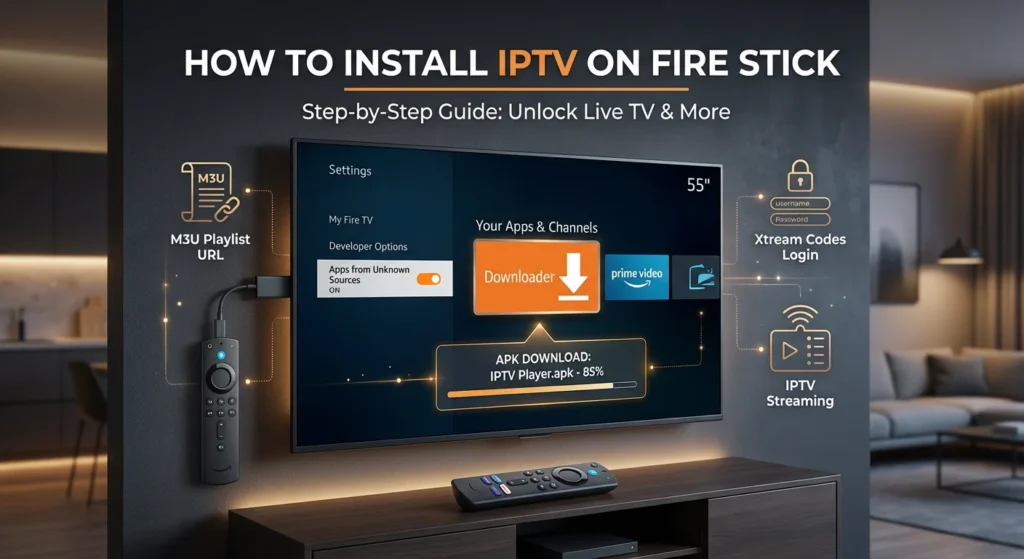
How to Install IPTV Fire Stick ?
You’ll install IPTV Fire Stick by first enabling Developer Options in Settings > My Fire TV, then turning on “Apps from Unknown Sources” and “ADB Debugging“. Next, download the Downloader app from Amazon’s store, open it, and use its browser to download your preferred IPTV player’s APK file. After installation, launch the IPTV app and […]
How to Configure IPTV on Formuler IPTV Box ?
To set up IPTV on Formuler IPTV Box, you’ll configure the device by establishing network connectivity through Ethernet or Wi-Fi settings, then launching MyTVOnline app to input your IPTV Canada provider’s credentials via Xtream Codes API or M3U URL. You’ll need to verify MAC address registration, configure portal URLs with correct protocols, optimize buffer sizes […]
How to Install IPTV on GSE Smart IPTV ?
Installing IPTV on GSE Smart IPTV takes 7 steps: download and install the app, open the main menu, select Remote Playlists, enter your M3U URL or Xtream Codes credentials, save and wait for channels to load, configure your EPG, then test playback. The app supports Android, iOS, macOS, and Fire TV, with Xtream Codes being […]
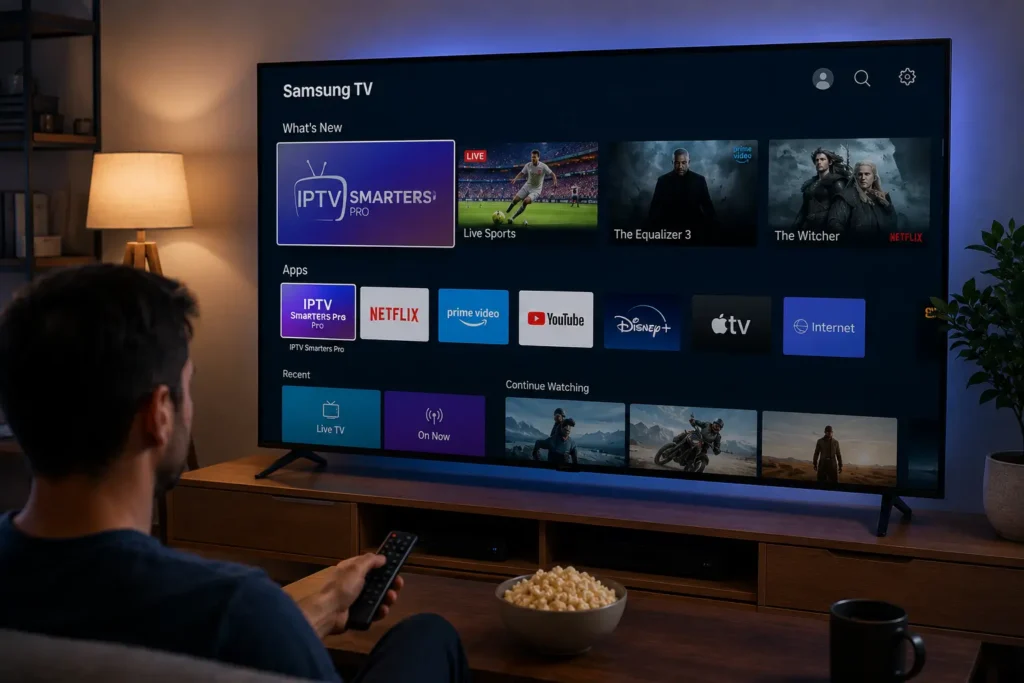
How to Install IPTV on Samsung TV ?
Installing IPTV on your Samsung Smart TV takes 6 steps: connect your TV to a stable internet connection, sign in to your Samsung account, open the Samsung App Store and install a compatible IPTV app like IPTV Smarters Pro or Smart IPTV, launch the app and enter your M3U URL or Xtream Codes credentials, save […]
How to Clear Favourites on IPTV ?
To clear IPTV favourites on IPTV, first check if they’re stored locally or synced via your provider/account to avoid cross-device changes. Back up/export your playlist or settings. Open the Favourites view, highlight an item, and use the context menu to Remove/Unfavourite; enable multi-select for bulk removal. Disable auto-sync during cleanup, then refresh or restart the […]
How to add VPN to IPTV smarters pro ?
You don’t add a VPN directly inside IPTV Smarters Pro — instead, run your VPN at the device or router level to protect your entire IPTV subscription. Install a trusted VPN app on your Fire TV, Android, or iOS device, enable the kill switch and DNS leak protection, connect to a nearby server, and verify […]