You can get free IPTV legally and safely in Canada by using a free trial from a licensed IPTV provider, by accessing free ad-supported streaming platforms (FAST channels), or by using free over-the-air (OTA) broadcast apps for local Canadian channels. The only reliable way to test IPTV without paying upfront is through a free trial […]
Setup Guides
Get started quickly with our easy-to-follow setup guides. Learn how to install and configure streaming apps, devices, and playlists for a smooth experience.
How to Install IPTV on IPTV Stream Player app ?
Installing IPTV on the IPTV Stream Player app is quick and simple. Just ensure your device is connected to a stable internet connection. Start by downloading the app from the Google Play Store (Android) or the App Store (iOS). Once installed, open the app, go to Settings, and enter your IPTV M3U playlist URL or […]
How to Configure IPTV With XCIPTV Player ?
To configure IPTV with XCIPTV Player, start by downloading and installing XCIPTV from the official website or trusted app store, launch the app and accept the user agreement, choose your preferred login method (Xtream Codes, M3U URL, or single stream), enter your IPTV provider’s credentials carefully, save the configuration and let the channel list populate, […]
How to Configure IPTV on IBO Player ?
To configure IPTV on IBO Player, first download the app from your device’s app store and locate the Mac address. Register and activate your player by entering the Mac address and purchase a license on the IBO Player website. Add your IPTV Subscription playlists using an M3U link or Xtream Codes and restart the app […]
How to Install IPTV on Xbox ?
To set up IPTV on your Xbox, ensure you have a stable internet connection, an active IPTV subscription, and a compatible app like SS IPTV or MyIPTV Player from the Microsoft Store. Start by downloading your chosen app from the store. Once installed, launch it and enter your IPTV details, such as an M3U playlist […]
How to Set Up IPTV on Apple TV ?
To set up IPTV on your Apple TV, you’ll need a compatible device, stable internet, and a reputable IPTV provider. Install the GSE Smart IPTV app from the App Store, launch it, and enter your IPTV subscription details. Configure the service provider details accurately, and you’ll be able to access live TV channels and on-demand […]
Can I Record on IPTV ?
If you’re wondering whether you can record content on your IPTV Subscription, the answer is often yes – but it’s not always straightforward. Many IPTV apps offer recording features that let you schedule live recordings, but limitations like storage space and potential stream issues can make it tricky to capture content reliably. So, what’s the […]
Can I Use IPTV on Roku Tv ?
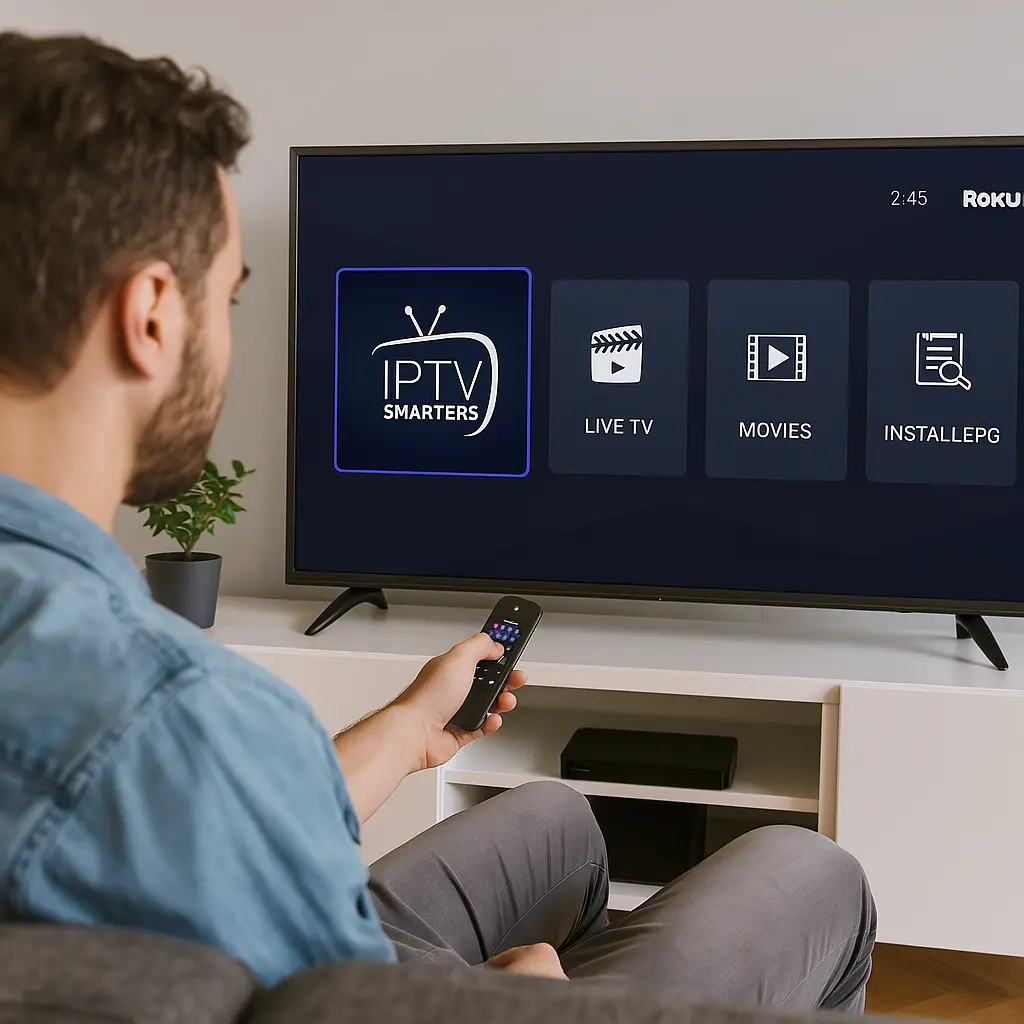
While Roku doesn’t natively support IPTV, you can still access your favorite live TV channels and on-demand content on your Roku device. To do this, you’ll need a compatible IPTV player app and a IPTV subscription from a reliable provider. Setting up IPTV on Roku involves a few technical steps, but once configured, you’ll unlock […]
What Is EPG on IPTV and How It Word ?
You’re probably curious about how EPG, or Electronic Program Guide, fits into the IPTV landscape and how it works. Imagine having a virtual guide that not only lists TV shows but also categorizes them, provides detailed descriptions, and even helps you plan your viewing schedule. EPG makes navigating countless channels much easier and more enjoyable. […]
How to Connect One IPTV Box to 2 TVs?
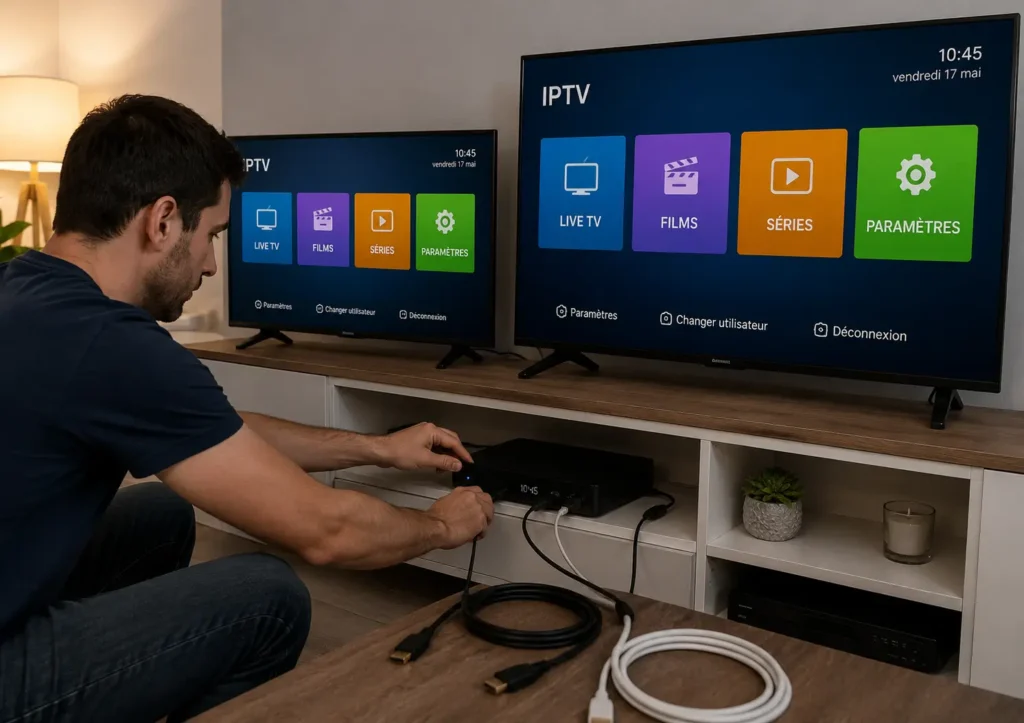
You can connect one IPTV box to two TVs using several proven methods: an HDMI splitter (the simplest, mirrors the same content on both TVs), a wireless HDMI transmitter (connects two TVs in different rooms without cables), a long HDMI cable (cheap but limited by physical distance), or a network-based solution like DLNA streaming (lets […]